Let your AI agent draft your posts
posthell is a remote MCP server. Tell Claude Code or Cursor what you shipped and a finished draft lands in your queue. The safety line is firm: agents draft, you approve, nothing publishes without you.
 By Rohan Gotwal, Founder, posthellUpdated July 4, 2026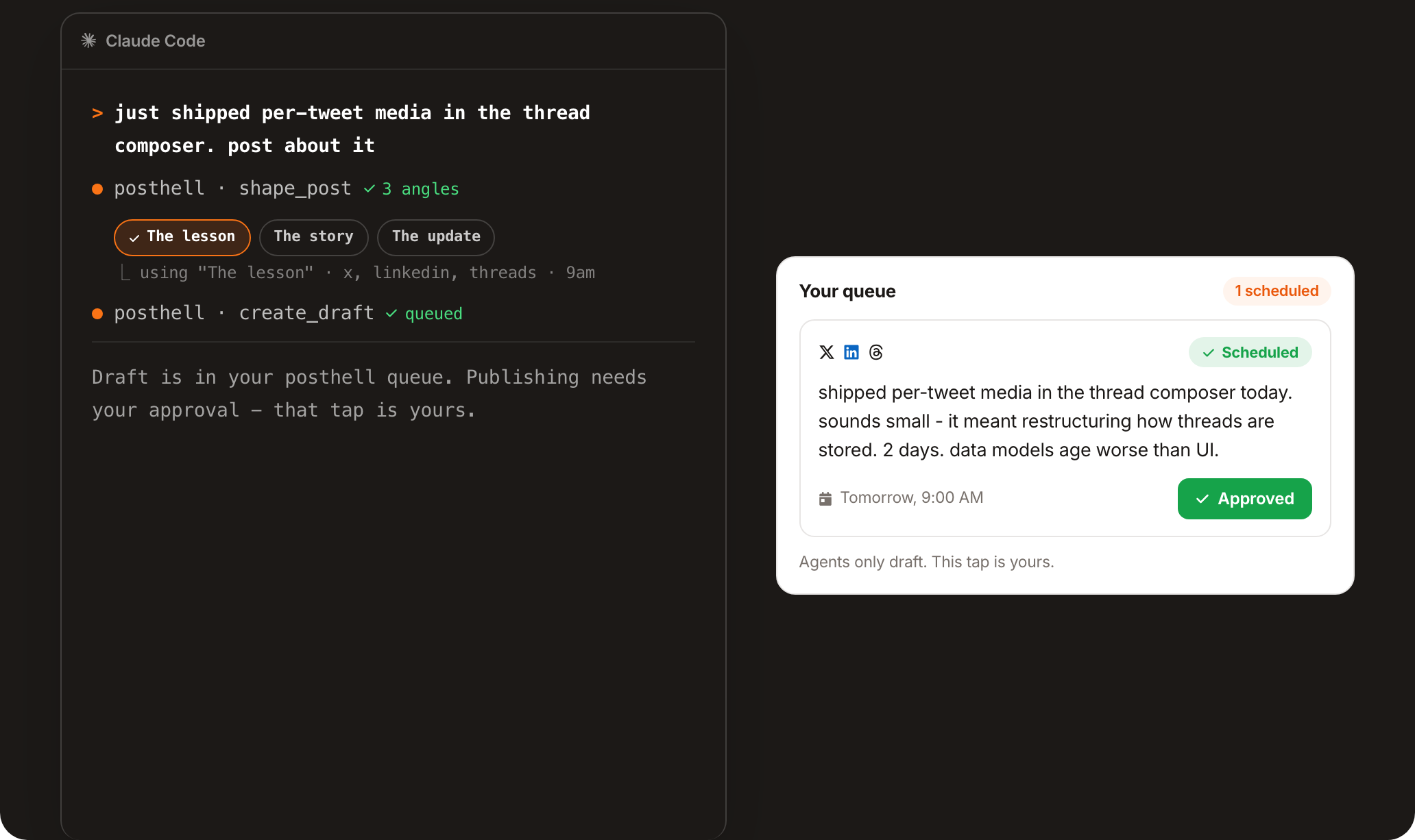
You already talk to an AI agent all day while you build. posthell plugs into it: connect once with an API key and Claude Code, Cursor, VS Code or any MCP client can shape a note into a post and queue a draft for you. The rule that makes this safe is absolute: no agent tool can publish or schedule for real. Agents propose, you approve.
What it does for you
Works with the agent you already use
Claude Code, Cursor, Claude Desktop, VS Code, Gemini CLI, Windsurf and any MCP client connect with one API key and can draft straight into your queue.
Agents draft, you approve
The hard safety line: no MCP tool can publish or schedule a real send. An agent queues a draft; you approve it in the dashboard. That is the only path to live.
Say it in one line
Tell your agent what you shipped and it calls posthell's tools to shape an angle and queue the draft, with a proposed time that pre-fills your scheduler.
It reads your growth too
Agents can pull your recent follower growth per network through the same connection, so the draft it proposes is informed by where you are actually growing.
Frequently asked questions
Can an AI agent post to social media for me?
It can draft for you, not post for you. posthell is an MCP server, so Claude Code, Cursor and other agents can shape and queue a draft. Publishing always requires your approval in the dashboard.
Which AI agents work with posthell?
Any MCP client, including Claude Code, Cursor, Claude Desktop, VS Code, Gemini CLI and Windsurf. You connect with a per-user API key from Settings.
Can an agent publish or spend money without me?
No, by design. No MCP tool can publish or schedule a real send. Agents can only queue drafts and read data. Nothing goes live without your approval.
How do I connect my agent to posthell?
Generate an API key in Settings under Agent access, then add posthell as an MCP server in your agent with the one-line command shown there. The /mcp page has the full setup.
Explore posthell
AI agent access, and the rest of posthell, from one box
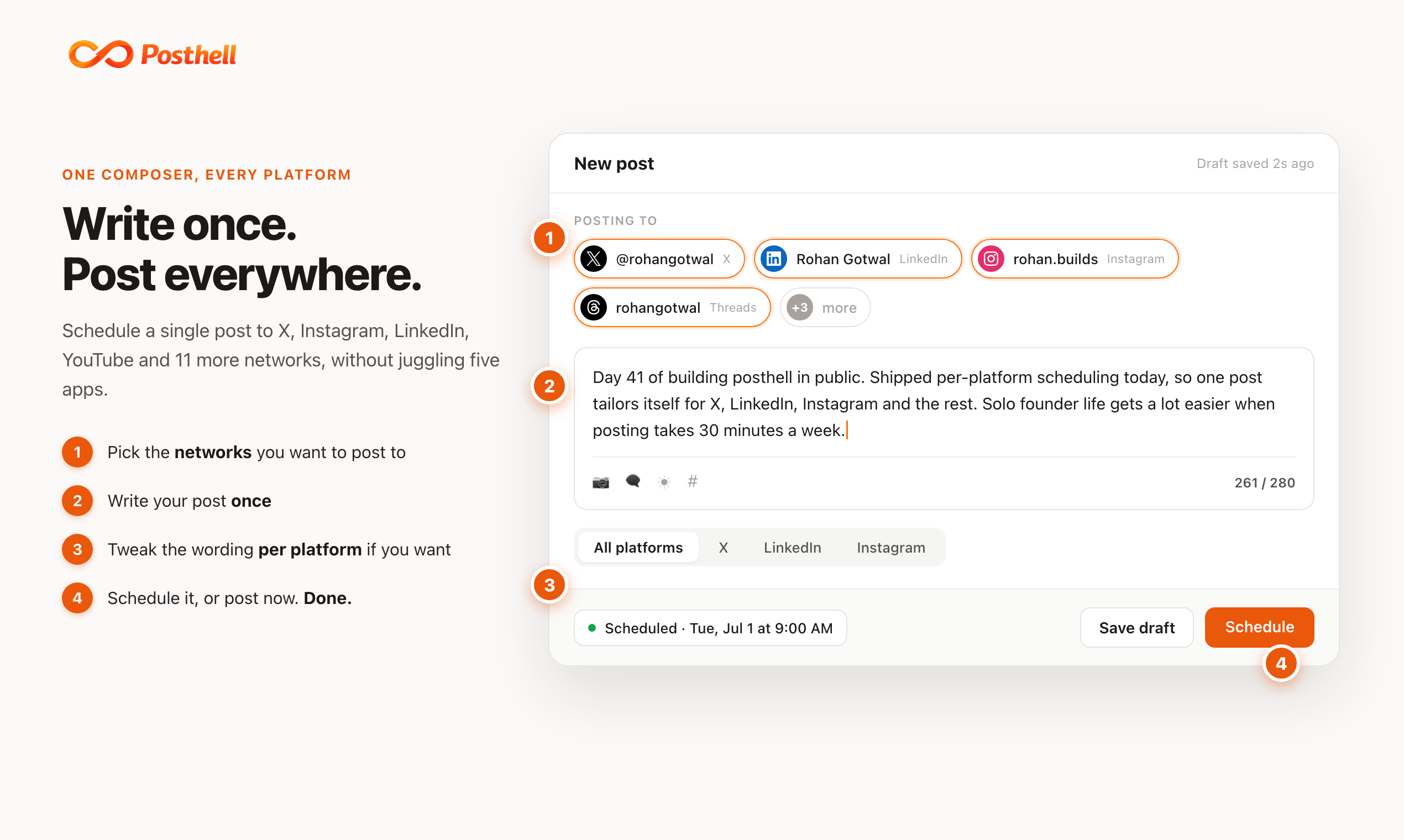
Write once, let the AI shape it, tailor it per network, and schedule it everywhere at once. Honest flat pricing, with X metered at the exact rate and every other network unlimited.