posthell vs Canva
Canva is where many owners already make their graphics, and its paid plans can schedule them. posthell writes the posts that go with them.
 By Rohan Gotwal, Founder, posthellUpdated October 20, 2026
Canva is the easiest way for most owners to make a good-looking graphic, and if you already design there, its Content Planner lets you schedule a design without leaving. Scheduling needs a paid plan, Pro or Business. Canva's own help pages disagree on which networks the planner covers as of this update: an older page lists Facebook Pages, Instagram business accounts, X, LinkedIn, Pinterest, Slack and Tumblr, while a newer one marks only Instagram and Facebook as schedulable, and Instagram Reels, Stories and carousels cannot be scheduled at all. Magic Write can draft text from a prompt. The planner is a way to post designs, not a way to keep a business posting week after week. posthell does that half: you tell it what happened this week, it writes the post in your voice, makes a version for each network and waits for your approval. Make the graphic in Canva, add it to the post in posthell, and let posthell write and schedule around it.
posthell vs Canva at a glance
| Compared on | posthell | Canva |
|---|---|---|
| Pricing model | Three flat plans. Solo is $12 a month ($10 billed yearly), Pro $24 ($18) and Assistant $49 ($37). 7 days free on the monthly plans, card required. | Scheduling needs a paid plan, Pro for one person or Business, with a 30-day trial, as of this update |
| Who writes the posts | posthell writes them from a line about your week, or from your website at sign-up, in your voice and without inventing facts | You do; Magic Write can draft text from a prompt |
| Built for | The owner of a small business with nobody on staff for social media | Anyone who designs, from solo creators to teams |
| Networks | 9 networks: X, LinkedIn, Instagram, Threads, Bluesky, Facebook, TikTok, YouTube and Pinterest. No Google Business. | Canva's help pages disagree: one lists Facebook, Instagram, X, LinkedIn, Pinterest, Slack and Tumblr, a newer one only Instagram and Facebook, as of this update |
| Formats | Instagram and Facebook Stories, Reels and video posts, TikTok photo and video posts, YouTube videos and Pinterest pins | Instagram Reels, Stories and carousels cannot be scheduled; YouTube publishes straight away only |
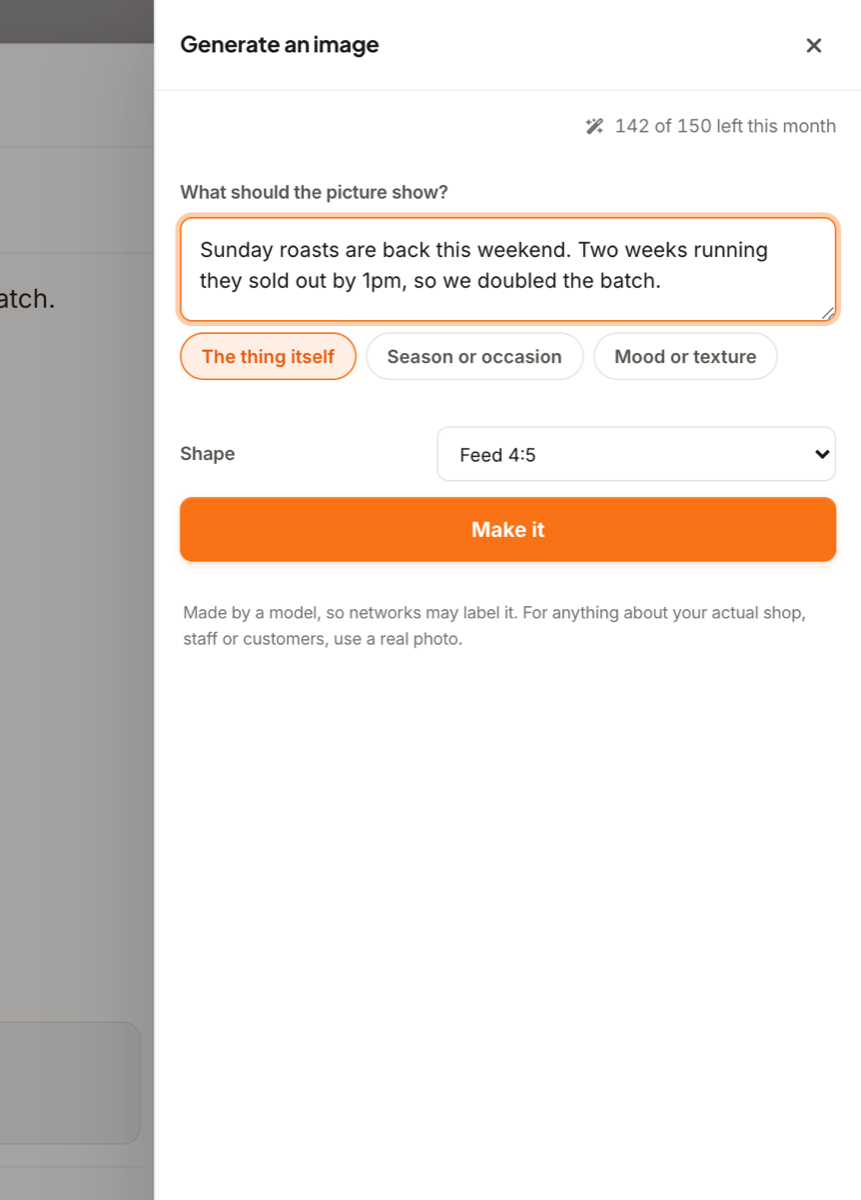
| Pictures | AI images every month (30 on Solo, 100 on Pro and 150 on Assistant), brand cards in your colours, and your own photo library | The strongest design tool in this comparison, with templates for every network |
Why people switch from Canva to posthell
The caption is the part that stalls
Plenty of owners have a folder of finished Canva graphics that never got posted, because the words never got written. posthell writes them from a line about the week, in your voice, a version for each network.
The formats the planner skips
Canva cannot schedule Instagram Reels, Stories or carousels as of this update, and YouTube only publishes straight away. posthell schedules Stories, Reels, video posts, TikTok posts, YouTube videos and pins.
Use them together
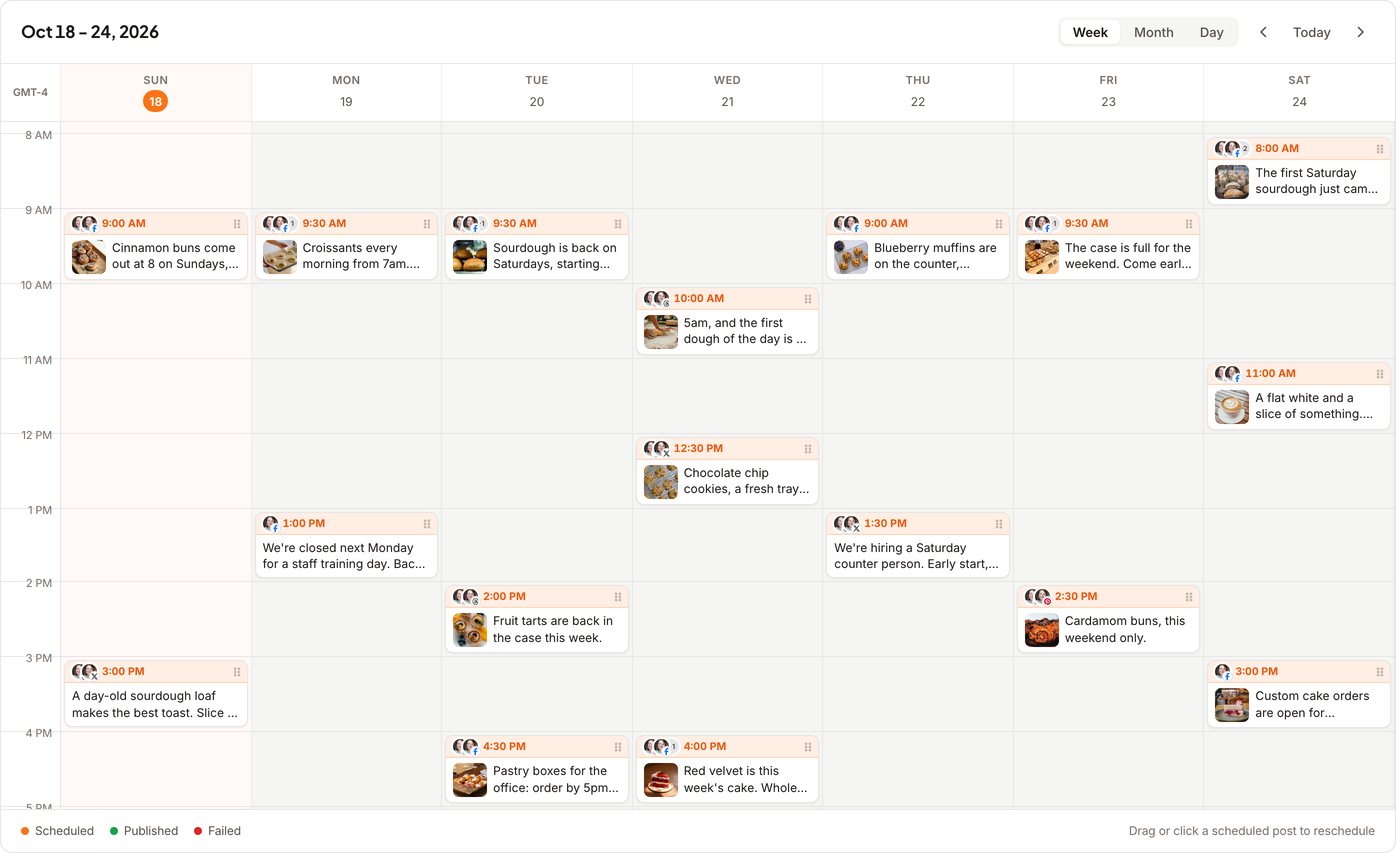
Keep designing in Canva. Download the graphic, add it to a post in posthell, and posthell writes the caption, tailors it per network and schedules it once you approve.
Which one is right for you
To be fair to Canva: The easiest way to make a good-looking graphic, with templates for every network and scheduling built into its paid plans.
- You want the words written, not only the graphic
- You post to TikTok, Threads, Bluesky or YouTube as well
- You want Instagram Reels and Stories scheduled ahead
- Making the graphic is the hard part for you, and the caption is easy
- You already pay for Canva and only post designs to Instagram and Facebook
- You want design templates, brand kits and scheduling in one place
Moving from Canva takes minutes, not a migration
Paste your website when you sign up and posthell shows you three finished posts, written for your business, before you pay. Then connect your accounts and approve the drafts. There is no content library to import and no dashboard to relearn.
Frequently asked questions
Is posthell a good Canva Content Planner alternative?
Yes, if what you need is the posts written and scheduled across your networks. If your bottleneck is design, Canva is the better tool, and the two work well together.
Can I schedule posts in Canva for free?
No. As of this update, scheduling needs Canva Pro or Business; on the free plan you can share a design straight away but not schedule it.
Can I use my Canva designs in posthell?
Yes. Download the design from Canva and add it to a post in posthell like any photo. posthell writes the caption, makes a version for each network and schedules it once you approve.
Does Canva have an MCP server for AI tools?
Yes, for designs. Canva's MCP server and Connect API work with your designs, but nothing in them schedules or publishes social posts (per Canva's developer docs as of this update). posthell has one too, as an optional extra for technical users (docs at posthell.com/mcp); by default anything an AI tool sends it waits in Review for your approval.
Where the Canva facts come from
Checked on October 20, 2026. Plans and features change, so check with Canva before you buy.
Related reading
Tell it what happened this week. Approve the posts.
posthell writes your posts in your voice, makes a version for each network you use (it publishes to X, LinkedIn, Instagram, Threads, Bluesky, Facebook, TikTok, YouTube and Pinterest) and schedules them. Nothing goes out until you approve it. Plans from $12 a month, with 7 days free on the monthly plans.